 Skip to content

Welcome to our new website, we’re glad you’re here!
As part of our website upgrade, you will need to reset your password to regain access to your account. Please follow the five simple steps below:

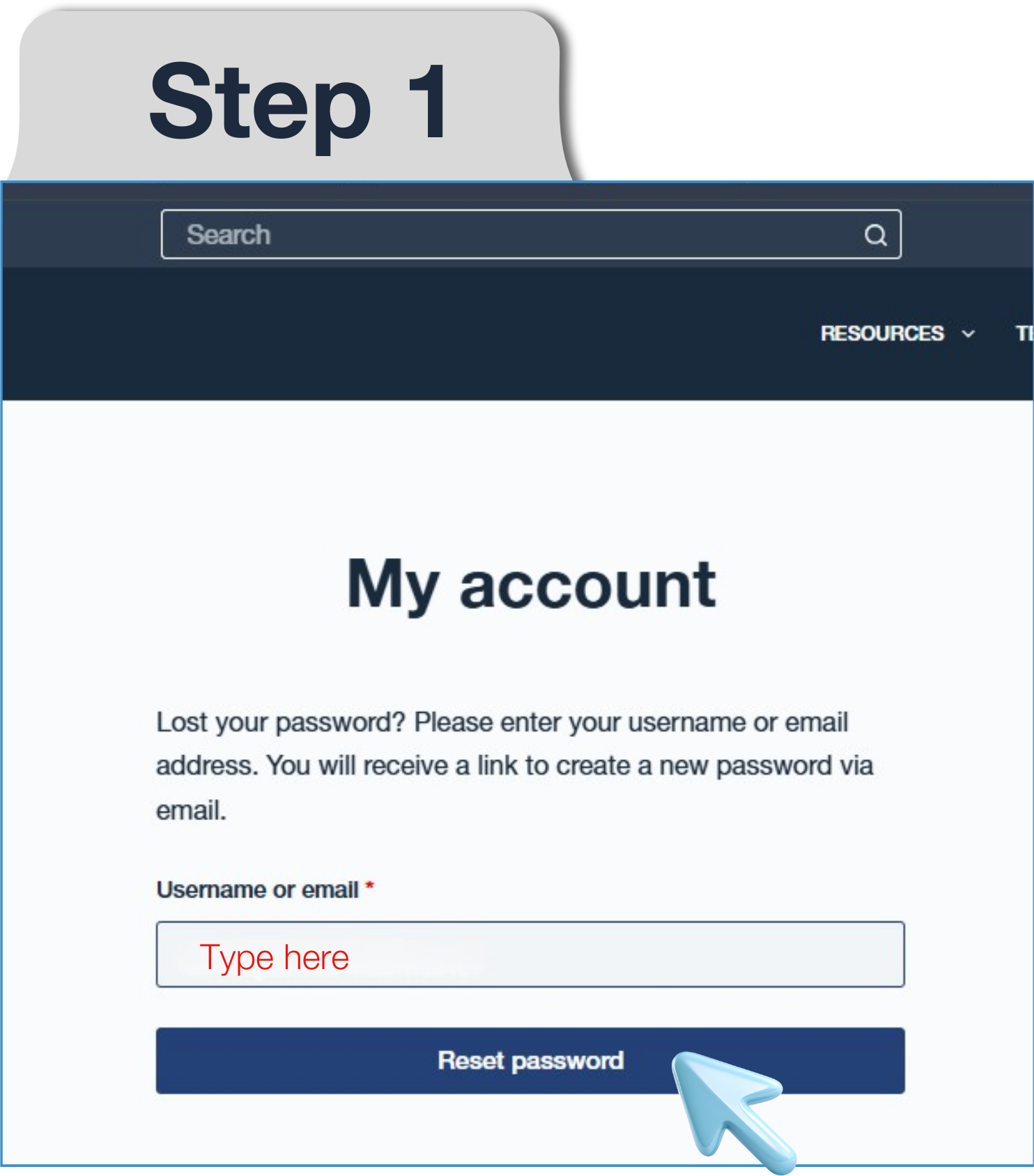
Step 1 Password Reset: Please click this link to enter your email and request a password reset.
If you previously had an account, but your email is not found, please contact us using this form.
Step 2 Check Your Email: You will receive a password reset email with the subject line: Password Reset Request for awme.net Account
If you cannot find this email in your inbox, please check your junk or spam folders.


Step 3 Password Reset Link: Click the link in the email to open the password creation page.
Step 4 Create New Password: Enter a new password of your choice (Please ensure that your password strength is green) into the two fields and click save.


Step 5 Log in and Review Your Details: Click Here or return to the homepage and click Login/Register.
Use your email address and new password to log into your account. Once logged in please check all your personal information and other details are correct and up to date.
Important Information for Partners: If you are a current Partner and have received communication from us regarding our giving portal change, please click this link (awme.net/update) to complete this update process.